Core
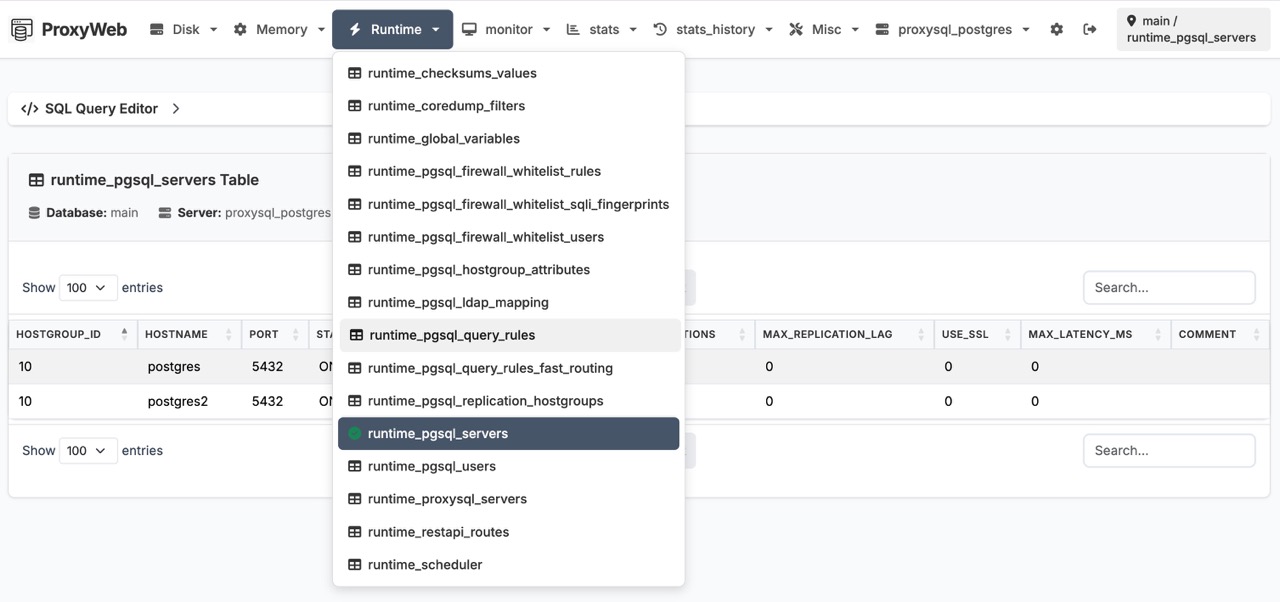
MySQL & PostgreSQL
Full support for both MySQL and PostgreSQL backends via ProxySQL 3.x. Manage pgsql_servers, pgsql_users, query rules, and all PostgreSQL-specific tables alongside MySQL.
Core
Multi-server management
Switch between ProxySQL instances from the nav bar. Each server maintains its own connection and configuration.
Core
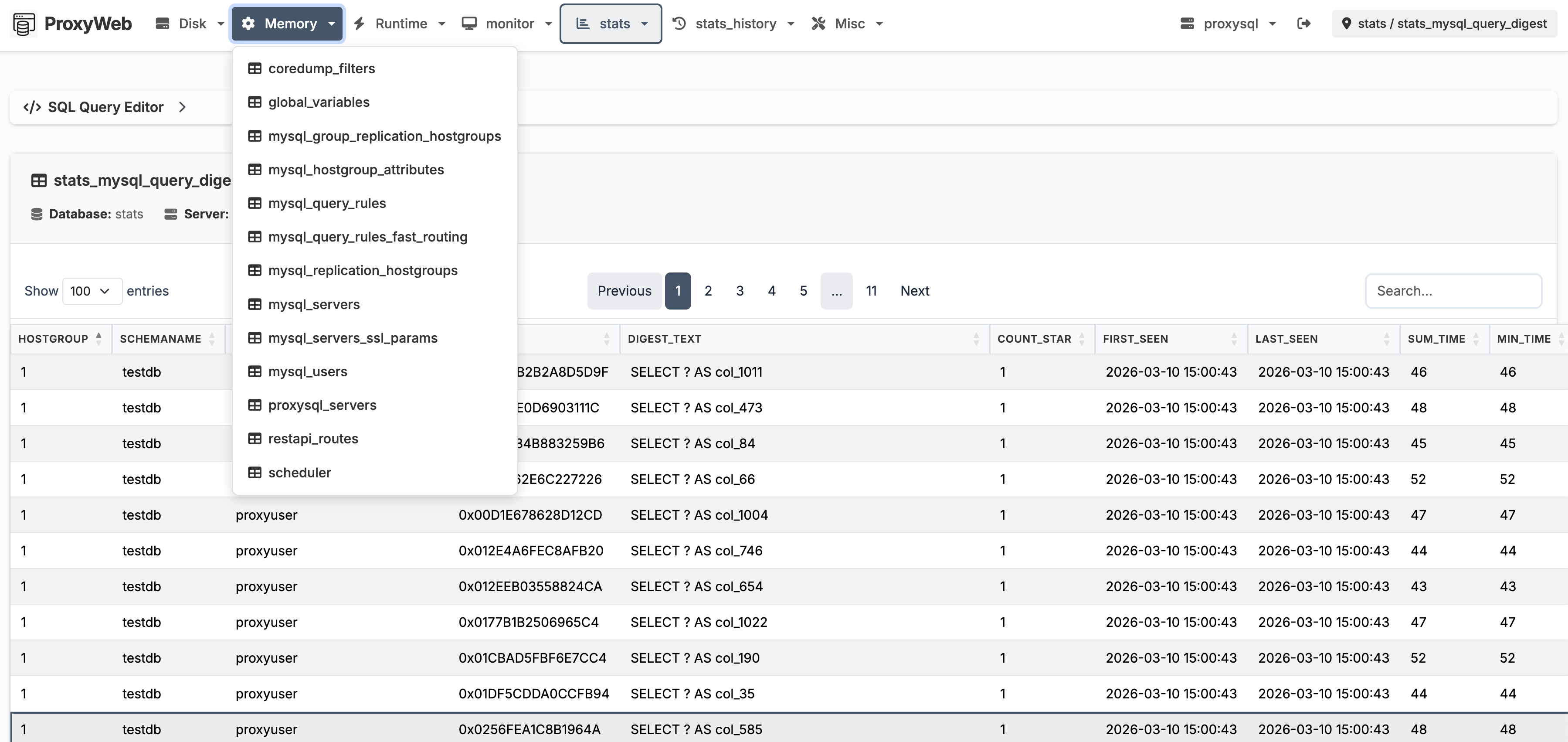
Table browser
View, search, sort, and paginate any ProxySQL table. Insert, update, and delete rows directly with inline editing.
Core
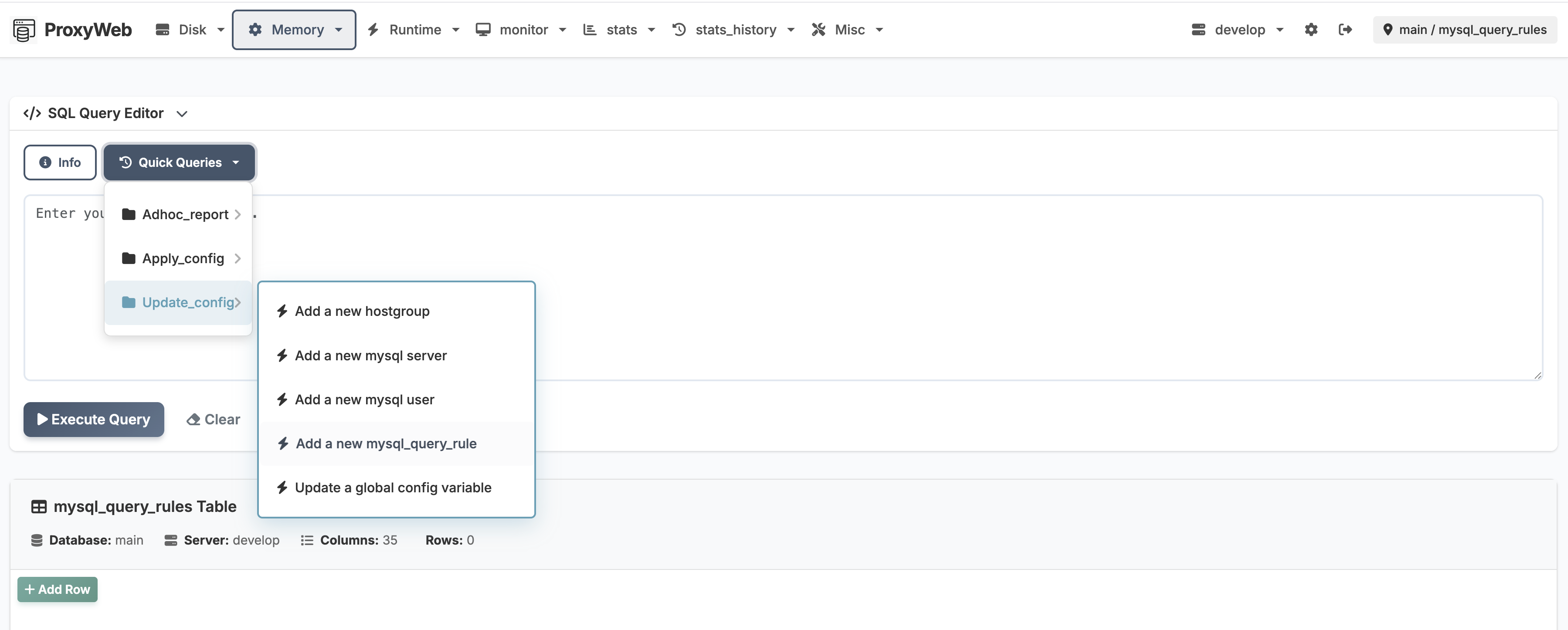
SQL query editor
Run ad-hoc queries with a built-in editor. Quick-query menu provides shortcuts for common operations like adding servers or users.
Operations
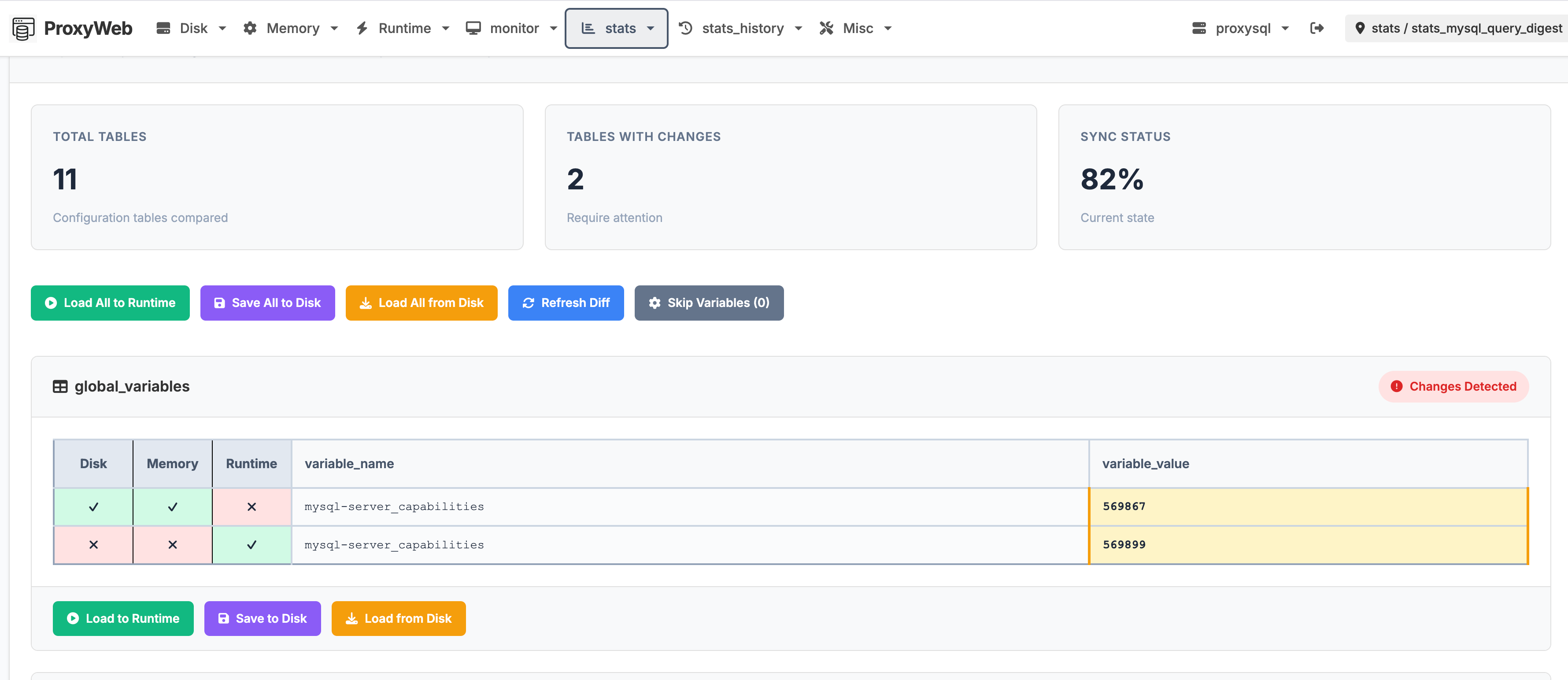
Config diff
Compare Disk, Memory, and Runtime layers side by side. Spot configuration drift across all ProxySQL tables at a glance.
Security
Role-based access
Separate admin and read-only users. Read-only users can browse and query but cannot modify data or access settings.
Operations
Environment overrides
Inject credentials and DSN settings via environment variables. No need to bake secrets into config files.
Core
Query history
Persistent per-server query history. Recall recent queries from a dropdown, browse the full history page, and clear per server.
Operations
Copy row as SQL
One click copies any row as the INSERT (or SET, for global variables) that would recreate it. Works on Disk, Memory, and Runtime tables — runtime_ rows copy as statements pasteable against the Memory table.
Safety
Prod-server highlight
Optional red border around the header whenever the selected server's name contains “prod” — a visual guard against running changes on production. Off by default, one checkbox to enable.
Operations
Database dump
Download a data-only dump of ProxySQL's main database as a timestamped .sql file straight from the Misc menu. Admin-only, runtime_ tables excluded.
Security
Hardened read-only mode
The read-only SQL gate parses statement boundaries the way the database does — tracking string literals and comments, rejecting CTE-fronted mutations — and applies to read-only servers, not just read-only users.