Browse tables, edit rows inline, run SQL queries, compare Disk/Memory/Runtime configs, and manage multiple ProxySQL instances — all from your browser.
Full control over servers, users, query rules, and variables through one interface.
Switch between ProxySQL instances from the nav bar. Each server maintains its own connection and configuration.
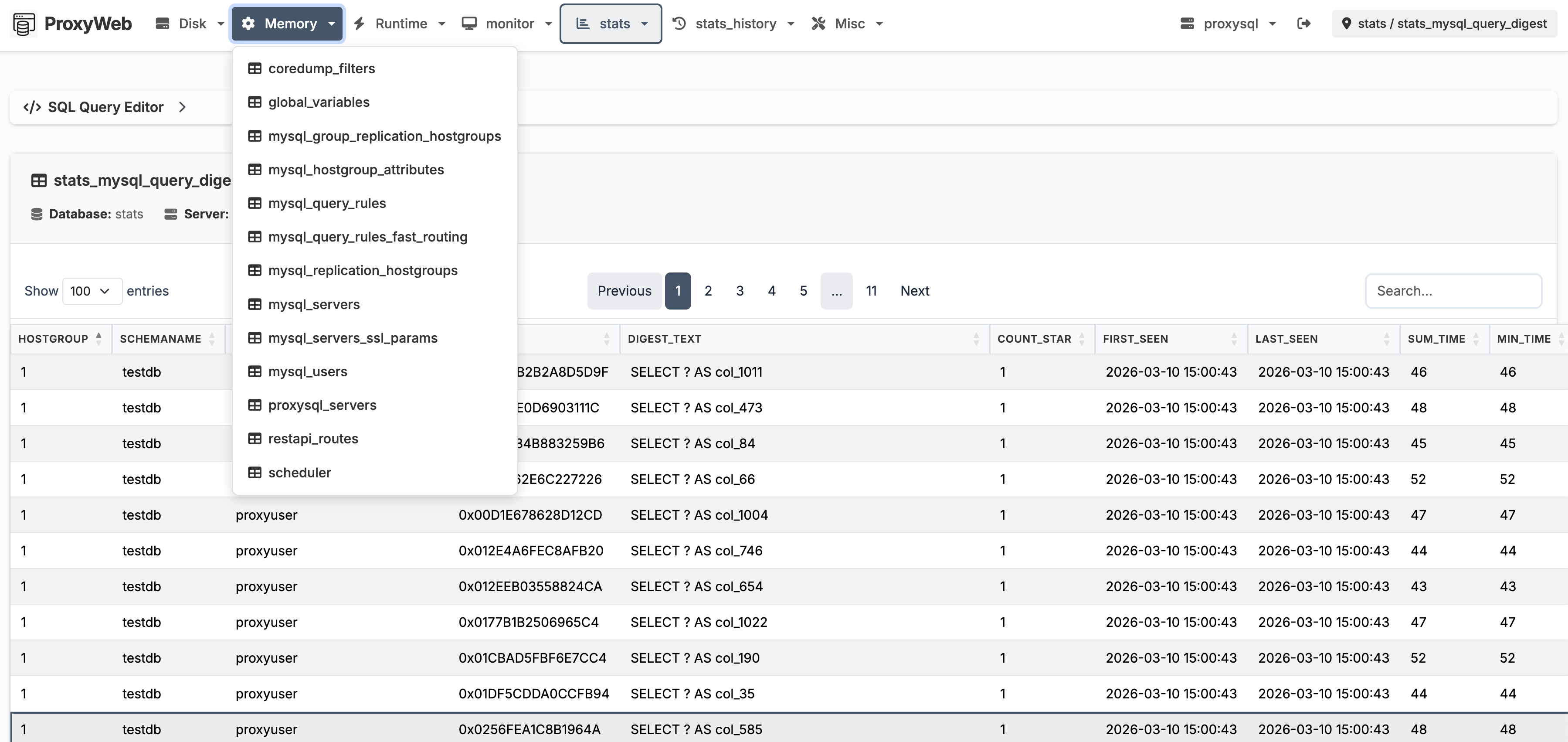
View, search, sort, and paginate any ProxySQL table. Insert, update, and delete rows directly with inline editing.
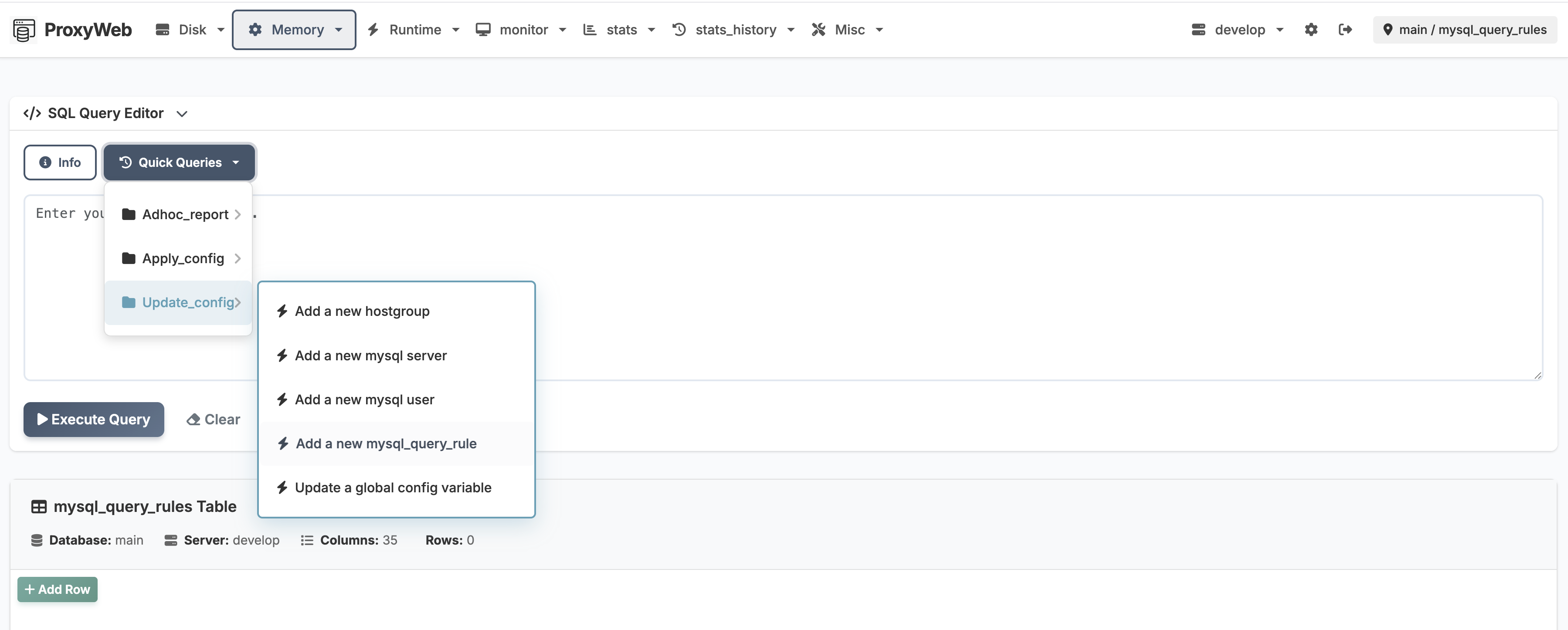
Run ad-hoc queries with a built-in editor. Quick-query menu provides shortcuts for common operations like adding servers or users.
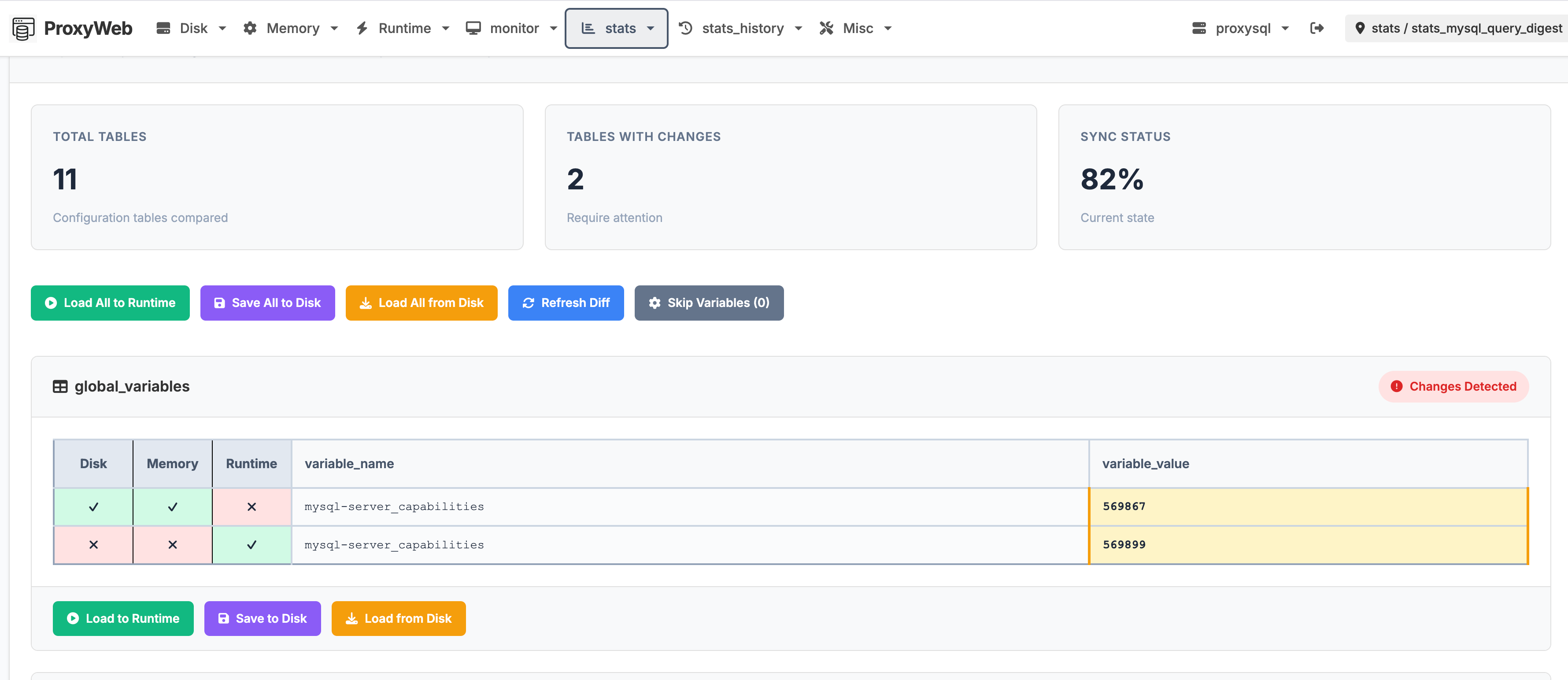
Compare Disk, Memory, and Runtime layers side by side. Spot configuration drift across all ProxySQL tables at a glance.
Separate admin and read-only users. Read-only users can browse and query but cannot modify data or access settings.
Inject credentials and DSN settings via environment variables. No need to bake secrets into config files.
Purpose-built views for the tasks you do most.
Compare all three ProxySQL config layers. Differences are highlighted per-table with sync status and one-click load/save actions.
Run any SQL against ProxySQL's admin interface. The quick-query menu provides categorized shortcuts for common insert and update operations.
Run the Docker image, open your browser, and connect to ProxySQL. Also available as a systemd service for bare-metal installs.
| Role | Username | Password |
|---|---|---|
| Admin | admin | admin42 |
| Read-only | readonly | readonly42 |
Override any sensitive value via environment variables — no file editing required.
| Variable | Overrides |
|---|---|
PROXYWEB_ADMIN_USER | auth.admin_user |
PROXYWEB_ADMIN_PASSWORD | auth.admin_password |
PROXYWEB_READONLY_USER | auth.readonly_user |
PROXYWEB_READONLY_PASSWORD | auth.readonly_password |
| Variable pattern | Overrides |
|---|---|
PROXYWEB_SERVER_<NAME>_USER | dsn.user |
PROXYWEB_SERVER_<NAME>_PASSWORD | dsn.passwd |
PROXYWEB_SERVER_<NAME>_HOST | dsn.host |
PROXYWEB_SERVER_<NAME>_PORT | dsn.port |
PROXYWEB_SERVER_<NAME>_DATABASE | dsn.db |
/app/.env or set PROXYWEB_ENV_FILE to a custom path.
The entrypoint loads it automatically.